 |
Chris De Herrera's Windows CE Website |
|---|---|
About |
|




| By Chris De Herrera Copyright 1998-2007 All Rights Reserved A member of the Talksites Family of Websites Windows and
Windows CE are trademarks of
Microsoft All Trademarks are owned |

Sample Programs courtesy of
Grant Beattie, Genovation
[an error occurred while processing this directive]
Killsync - Stop ActiveSync!
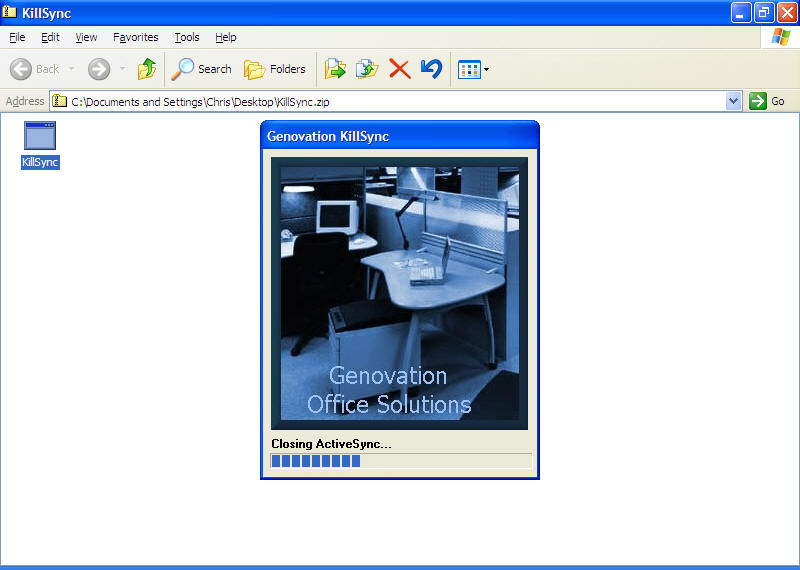
So you have ActiveSync and you want to stop it from running. Well with Killsync, it stops ActiveSync so you can release the ram and increase the speed of your PC. This application does the same thing as the user switching to the task manager and killing the wcescomm task. When you need ActiveSync you can click on the ActiveSync icon. You can try putting Killsync in your startup to close ActiveSync if it starts first.
[an error occurred while processing this directive]
Click here for Advertising Information